
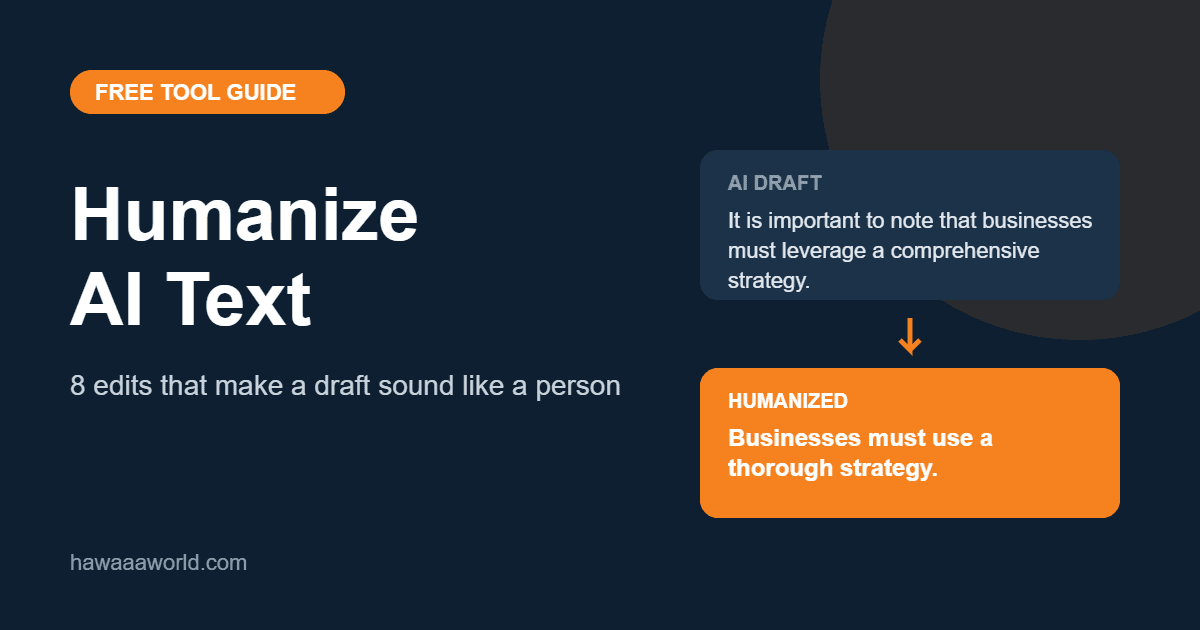
If you have ever pasted a prompt into an AI writing assistant and gotten back a tidy, confident, slightly lifeless draft, you already know the problem. The grammar is fine and the structure is fine, but something is off. It reads like a brochure written by a committee. Learning to humanize AI text is mostly about fixing that gap between “correct” and “natural”, and the good news is that it comes down to a handful of repeatable edits.
What “Humanizing” AI Text Actually Means
To humanize AI text means editing a machine-written draft so it sounds like a specific person talking to a specific reader. It does not mean tricking anyone or hiding that a tool helped you. It means removing the filler, the stock phrases and the rhythm that make generic drafts feel generic, so your reader keeps reading.
That matters for practical reasons. Readers bounce off stiff copy, search engines reward pages that actually help people, and editors, clients and teachers all notice when a draft has no voice. A human pass is the cheapest quality upgrade you can make.
1. Cut the Throat-Clearing Openers
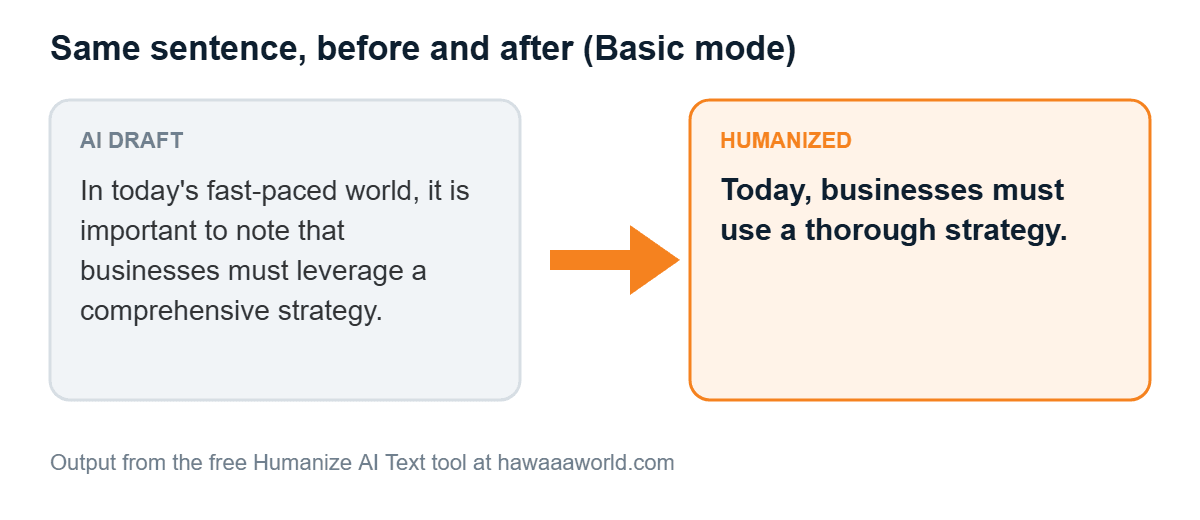
AI drafts love to begin with phrases like “In today’s fast-paced world” or “It is important to note that”. They add words without adding meaning. Delete them and start with the first sentence that says something. If the paragraph still works, the opener was never needed.
2. Swap Formal Words for Everyday Ones
Models drift toward words like “utilize”, “leverage”, “facilitate” and “comprehensive”. Plain alternatives such as “use”, “help” and “complete” are shorter and warmer. A quick rule: if you would not say the word out loud to a friend, replace it.
3. Use Contractions
“Do not”, “it is” and “cannot” sound like a legal notice. “Don’t”, “it’s” and “can’t” sound like a person. Unless you are writing something truly formal, contractions are the fastest way to loosen a paragraph.
4. Vary Your Sentence Length
Machine text tends to produce sentences of similar length, which creates a steady, almost hypnotic rhythm. Break a long sentence in two. Let a short one stand alone. Then follow it with a longer one that carries a full thought from start to finish. Variety is what makes writing feel alive.
5. Add One Real Detail
This is the edit AI cannot do for you. Add a number from your own experience, a mistake you made, a small example from your work or a place you have actually been. One concrete detail does more for credibility than three paragraphs of general advice.
6. Trim Repetition and Hedging
Drafts often say the same thing three ways and then soften it with “may”, “might” and “can potentially”. Say it once, say it clearly, and keep hedges only where you are genuinely unsure.
7. Read It Out Loud
Your ear catches what your eyes skip. If you stumble over a sentence, your reader will too. Fix the spots where you run out of breath or sound like you are reading a manual.
8. Check the Ending
Many AI drafts end with “In conclusion” and a summary of what you just read. Replace that with a useful next step, a question for the reader or a single memorable line.
Speed Up the First Pass with a Free Tool
Edits 1 to 3 are mechanical, and a tool can handle them in seconds. Our free Humanize AI Text tool replaces stock phrases, adds contractions and, in the higher modes, splits and merges sentences to change the rhythm. You paste your draft, choose Basic, Advanced or Ultra, and copy the result. It runs in your browser, so your text is not uploaded anywhere.
Be realistic about what it does. It is a rule-based editor for English text, not a magic switch, and it cannot add the personal detail from step 5 or guarantee anything about how an AI detector will score your text. Treat the output as a cleaner starting point and finish it with your own voice.
A Simple Workflow You Can Reuse
Generate the draft, run it through the humanizer, then do the manual edits: add your own detail, read it aloud and rewrite the ending. If you want to see how much of the original machine tone is left, you can run the result through our AI content detector as a rough signal, and check length with the word counter. Just remember that detectors are imperfect and should never be the only judge of quality.
The Takeaway
Good writing is specific, varied and a little bit personal. AI gives you speed; you supply the specifics. Make the eight edits above a habit and your drafts will stop sounding like drafts. For more utilities like this one, browse the full list of free online tools.